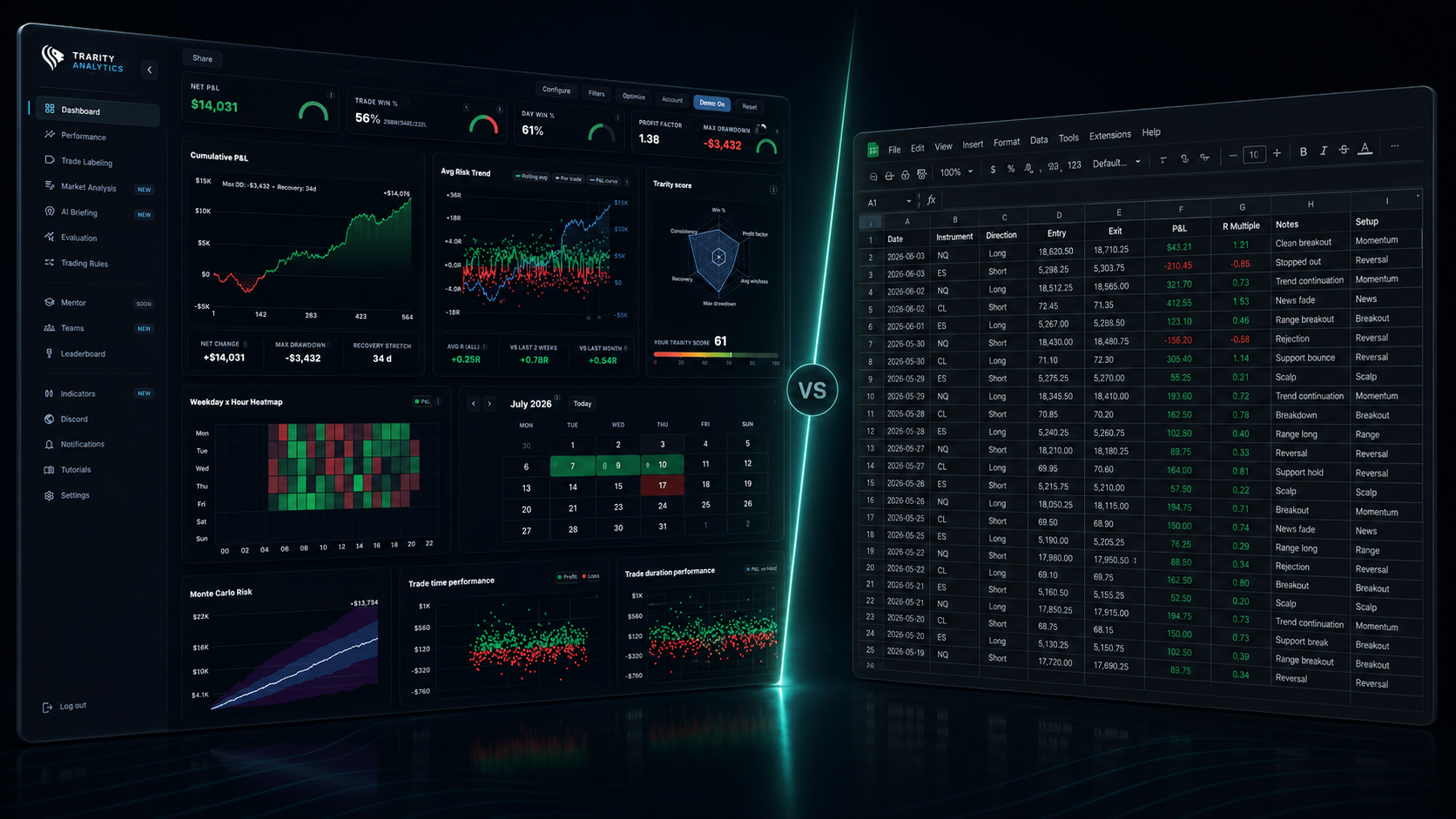
A trading journal spreadsheet is useful when you are starting out and logging only a handful of trades. But as trade volume grows, manual tracking becomes slow, inconsistent, and hard to analyze. This guide compares the spreadsheet approach with a dedicated trading journal app so you can choose the right system for long-term improvement.
What a Spreadsheet Does Well
- Free and familiar if you already use Excel or Google Sheets.
- Full customization of columns, formulas, and layout.
- Good for tracking basic P&L and simple metrics.
- Works when trade volume is low — a few trades per week.
Where Spreadsheets Become Limiting
- Manual data entry is tedious and error-prone.
- No automated trade import — every trade is typed by hand.
- Charting and visualization is basic.
- No trade screenshots or image attachments per trade.
- Difficult to use trade tags for setup, emotion, or strategy filtering.
- Formulas break as journaling complexity grows.
- No mobile-friendly experience for quick review on the go.
What a Trading Journal App Does Differently
- Automated trade import from brokers to eliminate repetitive logging.
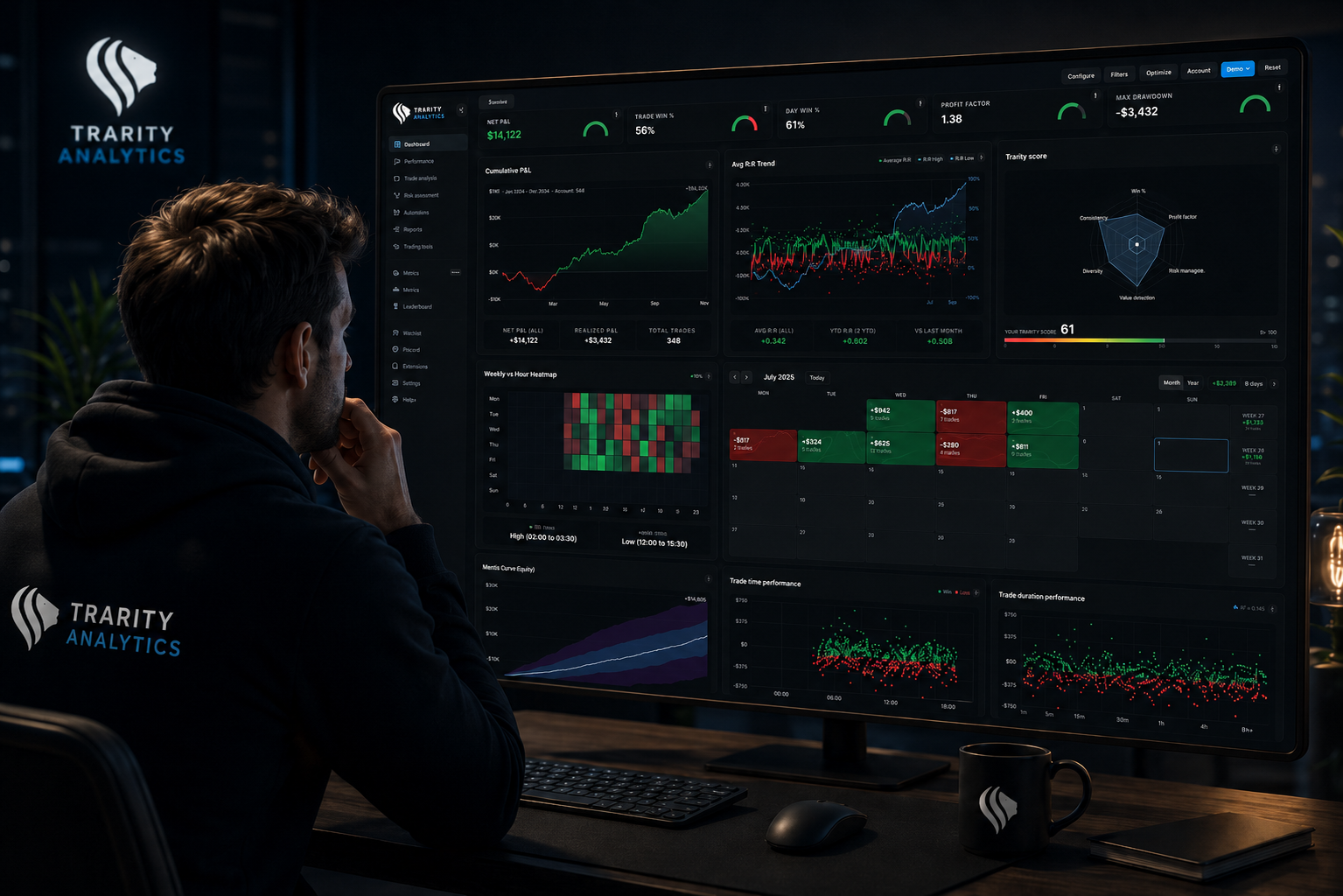
- Built-in trading analytics and performance dashboards.
- Trade screenshots attached directly to each trade record.
- Trade tags for setup type, emotions, and strategy context.
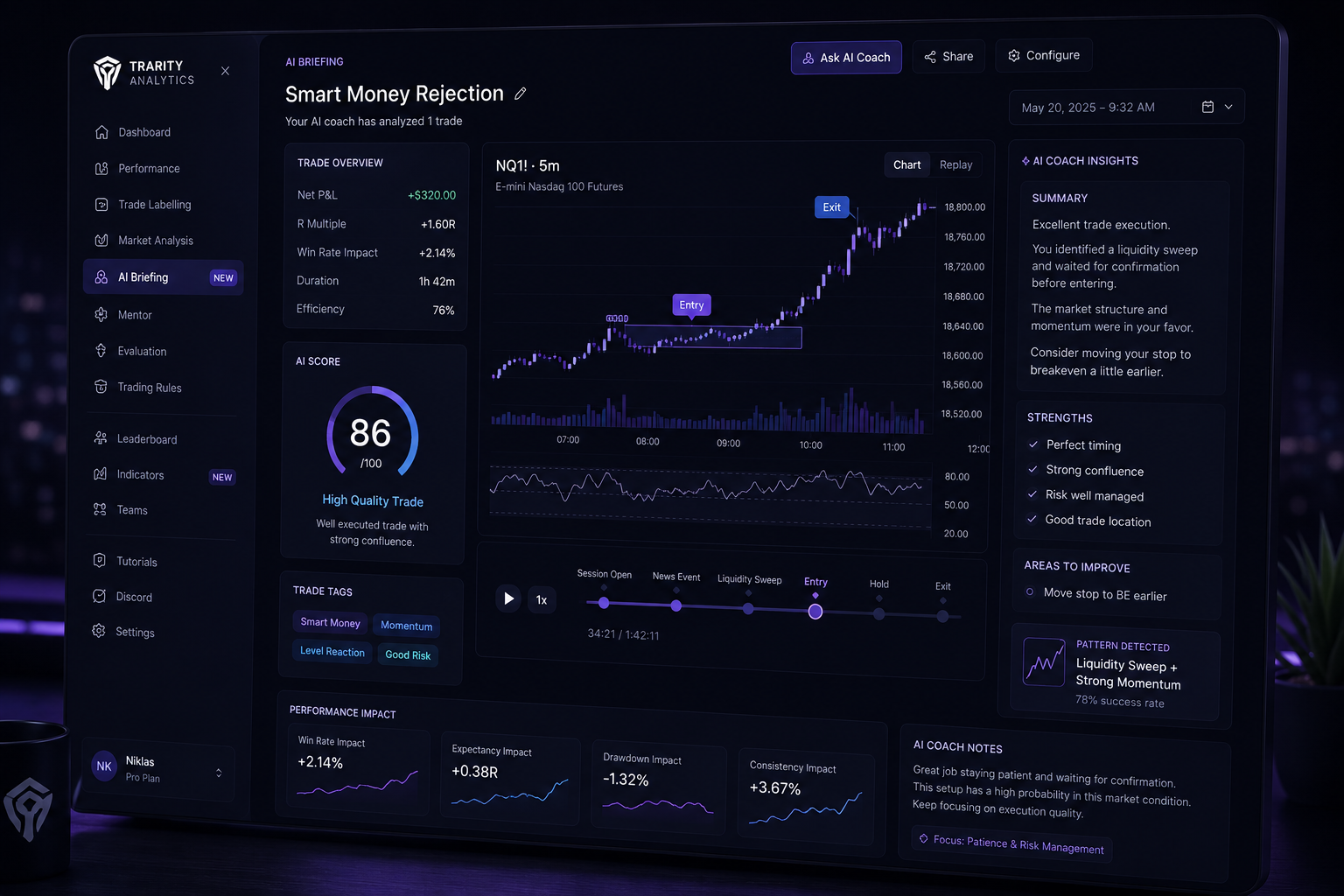
- AI-powered pattern recognition and coaching for recurring mistakes.
- Mobile and cross-device access for ongoing trade review.
Manual Journaling vs Automated Tracking
Spreadsheet journaling requires discipline on every field: entry price, exit, size, fees, notes, and outcomes.
Miss one field and your data quality drops quickly. Inconsistent data makes pattern recognition unreliable.
A dedicated trade journal app automates the tedious parts — prices, timestamps, and P&L calculations — through automated trade tracking. That automation gives you more time for the qualitative side of review: why you took the trade, how you felt, and what you would do differently.
Screenshots, Tags, and Analytics
Trade screenshots preserve chart context at entry and exit so your notes match the real market structure, not memory bias.
Trade tags let you categorize trades by setup (breakout, pullback), emotion (confident, anxious), and market condition. With consistent trade labeling, patterns become visible.
Trading analytics then surface those patterns across hundreds of trades: win rate by tag, P&L by session, and streak behavior. This is where tools like trading analytics software outperform spreadsheets at scale.
A spreadsheet can store rows. A modern trading journal app helps interpret behavior and improve execution.
When Should You Switch?
- You are trading more than a few times per week.
- You have missed logging trades because manual entry is too slow.
- You want analytics beyond basic P&L summaries.
- You need screenshots and contextual notes on every trade.
- You keep repeating the same mistakes and cannot identify the pattern.
Why Active Traders Need More Than Rows
"Trading performance improves through pattern recognition, not just record-keeping."
The best trading journal app does more than store data. It helps you learn from it and make better decisions in future sessions.
Trarity combines automated trade import, advanced trading analytics, trade tags, and AI coaching in one platform for serious traders.
Switch to smarter trade journaling
Stop wrestling with spreadsheets. Import your trades automatically, get instant analytics, and build the review habits that improve performance.
Start for free arrow_forwardFrequently Asked Questions
For serious traders, yes. A dedicated trade journal app automates data entry, provides analytics, and helps you spot patterns that spreadsheets can't surface.
Most trading journal apps support CSV imports. Trarity lets you import historical trades so you don't lose your existing data.
Many trading journal apps offer free tiers. Trarity provides a free 30-day trial with full access — no credit card required.
Key features include automated trade import, trade screenshots, trade tags, performance analytics, and an intuitive interface. Bonus if it has AI-powered coaching.
Spreadsheets can work when you're just starting and trading infrequently. But as your volume grows, switching to a dedicated trading journal app will save time and improve your trading performance.
This article was created with the help of AI and reviewed and edited by the Trarity team.