Automated Trade Import Without Manual Journaling
Stop wasting time on manual journaling. Trarity lets you import trades automatically from your trading platform so your trading journal is always up to date. Automated trade tracking saves time and ensures no trade is missed, giving you a complete trade history ready for review.
What Is Automated Trade Import?
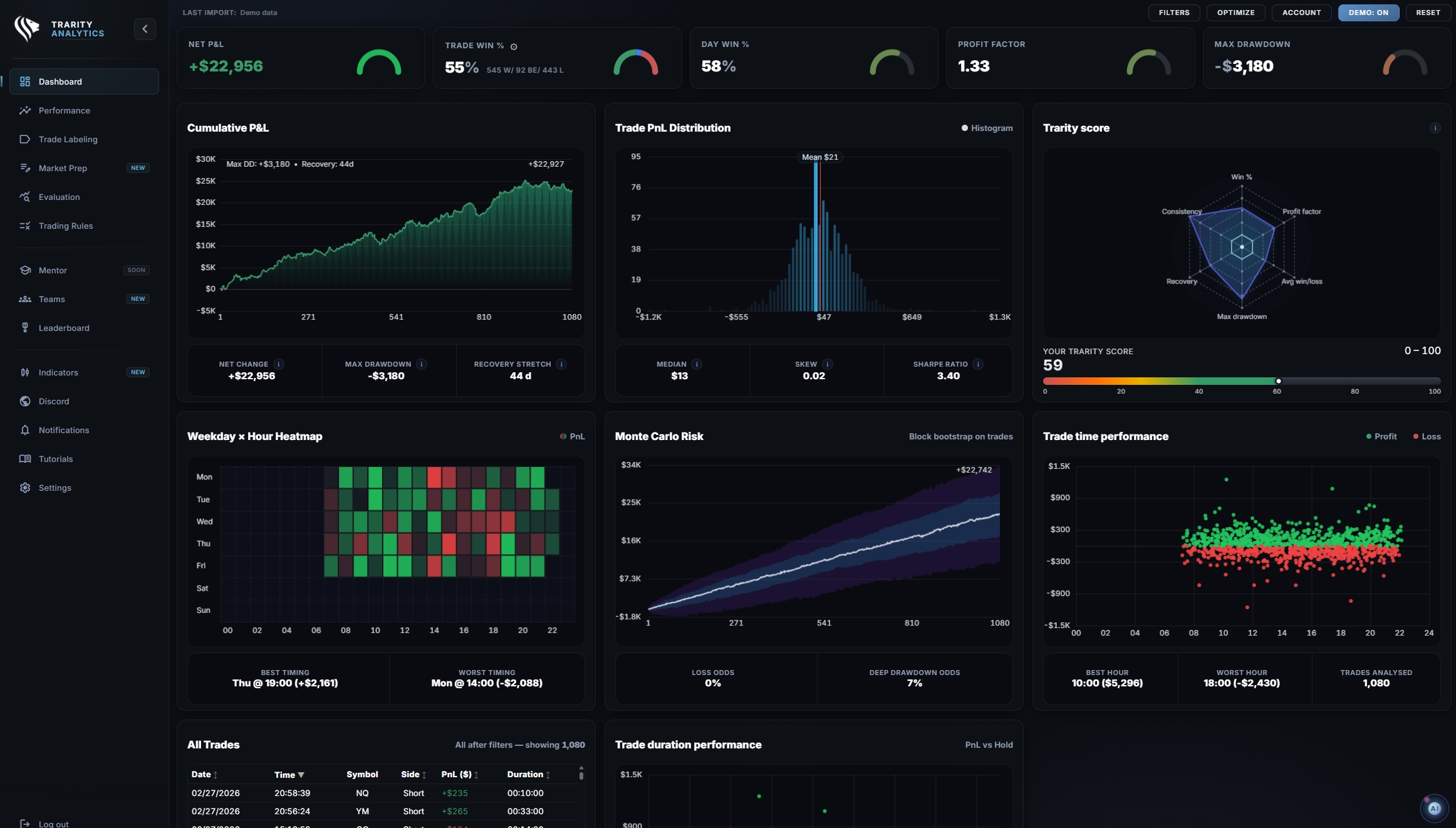
Automatic trade import connects your trading platform directly to your journal. Instead of copying data into spreadsheets, your trade history flows into Trarity where every fill, timestamp, and price is recorded for you. This automatic tracking turns your trading journal into a reliable record without extra effort.
A smooth trading journal workflow means you spend your time analysing trades, not entering them. Whether you sync trades from a live connection or upload a CSV, the result is the same: a complete, structured journal ready for review.
Automatically Import Your Trade History
With Trarity you can auto import trades from your platform and have your complete trade history available in seconds. No spreadsheets, no copy-paste, no missed fills. Your automated trading journal captures every position so you can focus on what matters: improving your process.
- check_circleEvery fill imported with timestamps and prices
- check_circleScale-ins and partial exits grouped as one trade
- check_circleNo spreadsheets, no copy-paste, no missed trades
- check_circleTrade history available for review in seconds
- check_circleWorks for futures, forex, stocks and crypto
Connect Your Trading Platform
Trarity supports platform import and broker import from the tools traders actually use. Sync trades from ATAS with live automated tracking, or upload CSV exports from TradingView, Tradovate, and more. MetaTrader 5, NinjaTrader, and Rithmic support is on the way.
- check_circleATAS with live automated tracking and screenshots
- check_circleTradingView and Tradovate via fast CSV upload
- scheduleMetaTrader 5 support coming soon
- scheduleNinjaTrader and Rithmic compatibility planned
- check_circleMore platforms added based on trader feedback
Capture the Context Behind Every Trade
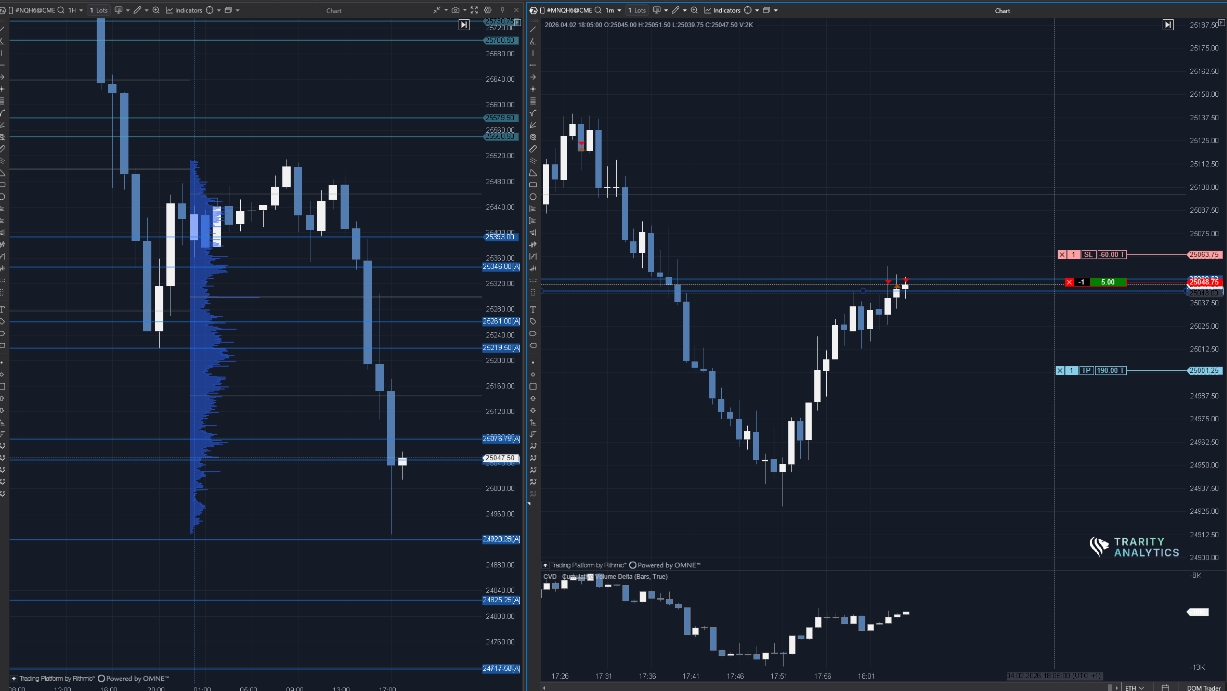
Automated trade tracking goes beyond numbers. Trarity captures trade screenshots at entry and exit so you see exactly what the chart looked like when you made each decision. Combined with your trading journal workflow, every trade has the context you need for a proper review.
- check_circleEntry and exit screenshots captured automatically
- check_circleAdd notes, tags, and labels after import
- check_circleRecord psychology and session context per trade
- check_circleBuild a visual trade history you can actually review
Review Imported Trades with Tags and Analytics
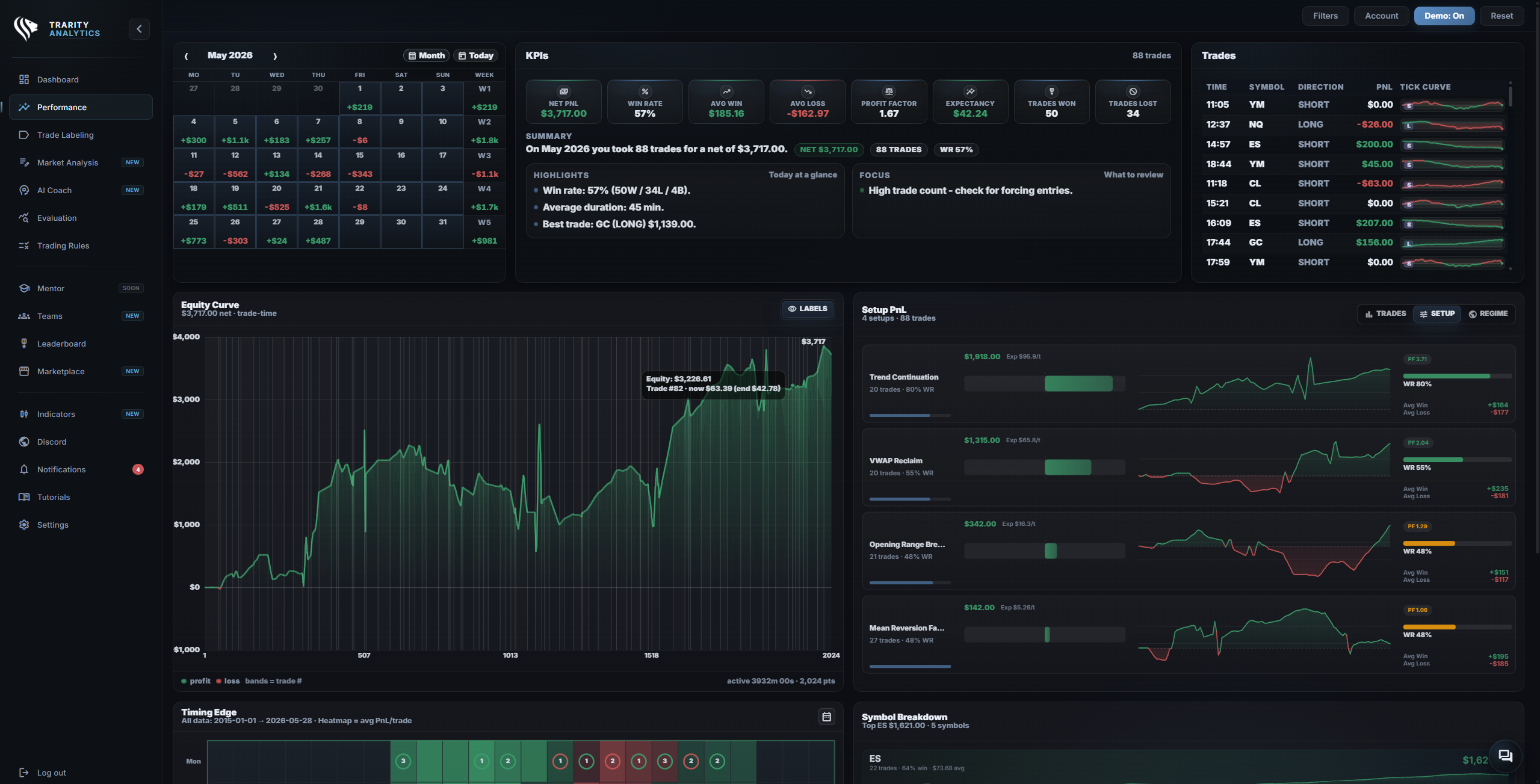
Once your trades are imported, Trarity's trading analytics turn raw data into actionable insight. A trading journal auto import workflow means your data is always fresh and your analytics are always current, so automated trade tracking feeds directly into your review process.
- check_circleFilter trades by setup, session, instrument, and outcome
- check_circleTrack performance metrics across imported trades
- check_circleCombine labels with analytics to find your edge
- check_circleAI coaching uses your import data for personalised feedback
Best for Active Traders and Prop Firm Traders
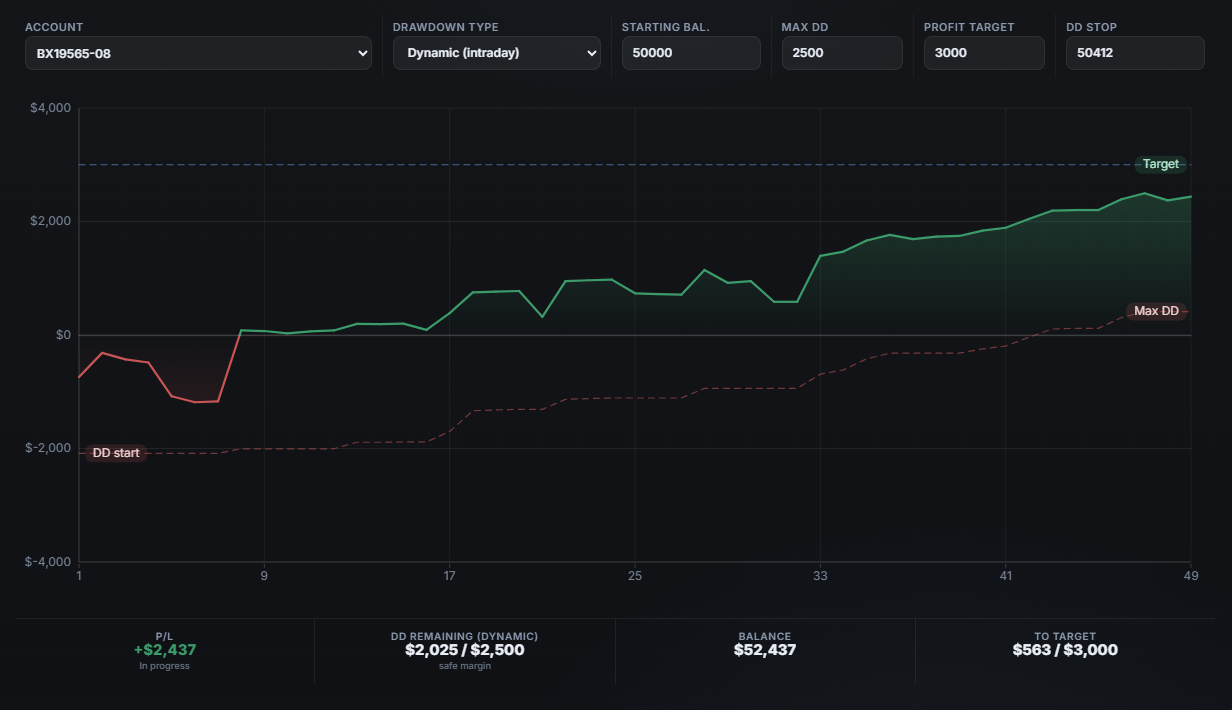
If you take dozens of trades per day, manual journaling is not realistic. An automatic trading journal removes the bottleneck so active and prop firm traders can maintain a complete record without slowing down. Your automated trading journal saves time every session and keeps your data consistent.
- check_circleImport dozens of trades per day without extra work
- check_circleProp firm traders track every challenge and funded account
- check_circleActive traders review sessions faster with automated data
- check_circleSpend time analysing, not entering data manually
Frequently Asked Questions
Start Importing Trades Automatically
Connect your platform, import your trades, and let Trarity handle the rest. Spend your time reviewing, not journaling.